BLOG
Do I Need a Button Box for Sim Racing?
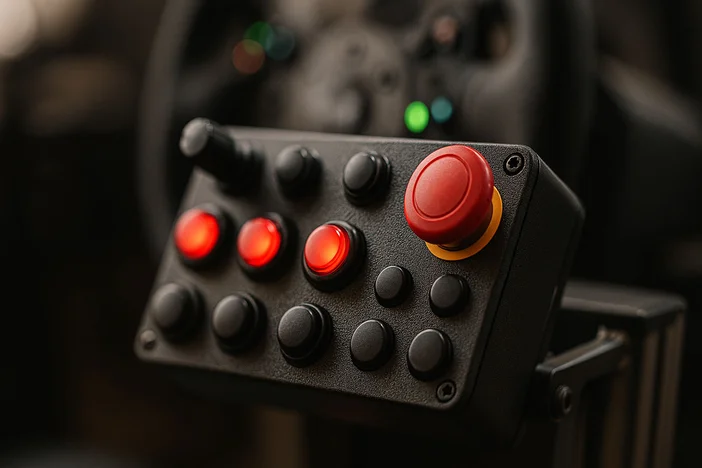
Most modern PC sims accept more input devices than you could ever need, potentially amounting to thousands of unique inputs. A button box is just one of many such devices. Typically, it's a USB device - a control panel equipped with programmable buttons, switches, rotary encoders, dials, or toggles. In sim racing setups, button boxes are commonly mounted to the rig or desk and used to control in-game functions that would otherwise be mapped to a keyboard or steering wheel buttons.
While many Fanatec Steering Wheels (like the Porsche Vision GT for example) already have plenty of inputs, a button box is still desirable for practicality, aesthetics, and immersion.
What Does a Button Box Do?
A button box typically allows you to map a wide range of simulator functions. It's logical to assign the 'secondary' controls that only see occasional use, like ignition and starter, headlights, wipers, seat and camera adjustment controls, or other in-game menu navigation. But some drivers like to assign more frequently-used inputs, like push to talk, pit limiter, traction control, ABS adjustments, fuel mixture, or engine mapping.
Button Box vs Steering Wheel Buttons
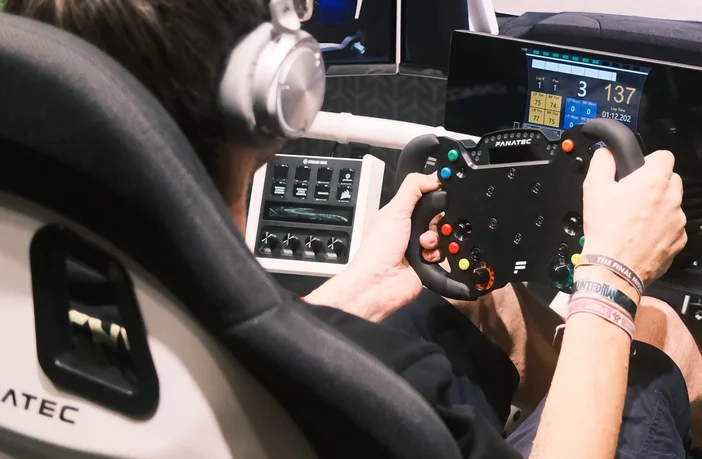
Why add a button box if the wheel has enough functions?
Dividing your inputs between a wheel and a separate device can help to reduce the amount of cognitive load when needing to find an input during a critical moment in a race, which could mean the difference between winning and losing.
By moving non-critical functions (lights, pit controls, menus) off the wheel, you can reserve steering wheel buttons for high-priority actions.
Reaching for a fixed button box mounted to your rig trains a different muscle memory compared to pressing buttons on a wheel. And just in terms of stability, having certain inputs fixed to the rig can rather than on a constantly active wheel has its advantages.
Some button boxes are designed to closely resemble real-world motorsport control panels. Toggle switches for ignition, rotary encoders for TC or ABS, and labeled buttons enhance immersion, particularly for endurance racing, GT, or street cars, and make your sim rig look more purposeful and customized.
Complimentary to a Fanatec setup
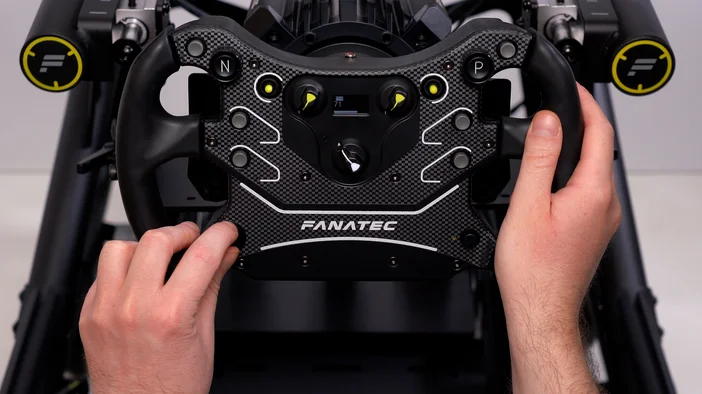
Many modern button boxes are USB plug-and-play, making them easy to integrate into existing setups. For Fanatec users, button boxes can be used alongside Fanatec wheels and bases without conflict, acting as a complementary control solution rather than a replacement.
Some solutions also support direct integration or plugins, allowing seamless recognition in popular sim racing titles and simplifying button mapping and configuration.
A button box is especially useful for:
- Sim racers looking to improve consistency and focus
- Endurance racers managing multiple in-race adjustments
- Streamers wanting cleaner camera and overlay controls
- Drivers who choose to use wheels with fewer buttons
- Anyone seeking a more immersive, professional-feeling rig
A button box isn’t about adding more buttons, it’s about making your controls smarter. By separating essential driving inputs from secondary race management tasks, you reduce distractions, improve reaction time, and enhance immersion.
Whether you’re a casual sim racer or building a high-end Fanatec based rig, a button box is one of the most practical upgrades you can make to your simulator setup, once you use one, it’s hard to race without it.
The Stream Deck option
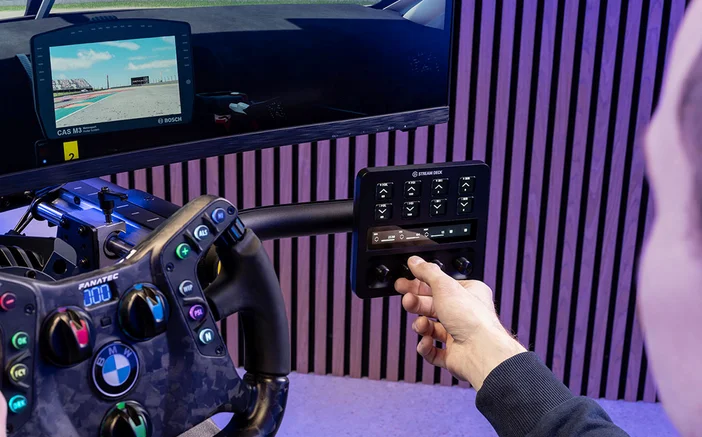
The Elgato Stream Deck is a multi-purpose input device that is primarily used by streamers and content creators, but can be repurposed as a button box. Fanatec now offers an official plugin, available for free on the Elgato Marketplace.
Stream Deck enhances your Fanatec rig by acting as a fully integrated control center. Monitor real-time telemetry and fine-tune your Fanatec hardware settings instantly.
РЕГИСТРАЦИЯ ПРОДУКЦИИ