Forza Horizon 6 launches on May 19, 2026 for Xbox Series X|S and PC, with Premium Edition access beginning on May 15. A PlayStation 5 release is scheduled to follow later in the year.
The Horizon Festival arrives in Japan for the first time, with a map that brings together dense city streets, expressways, mountain passes, rural roads, and dynamic seasonal conditions. The car list includes more than 550 vehicles at launch, alongside a wide range of event types that span road racing, dirt, cross-country, and drift disciplines. Multiplayer features larger shared sessions and a broader range of structured events integrated into the open world.
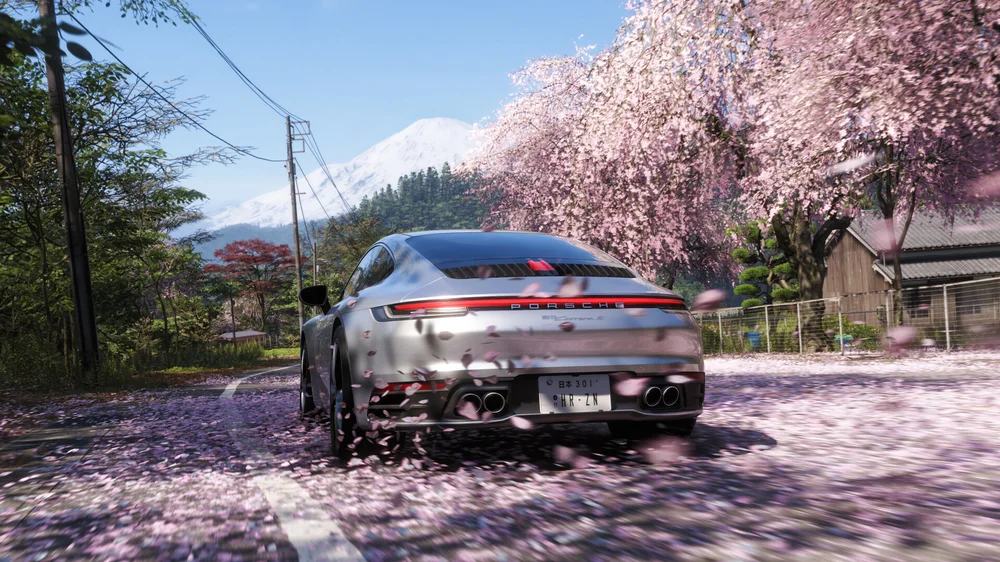
Wheel support and force feedback
Forza Horizon remains an accessible open-world racing title, with most players using a gamepad. Steering wheel support is included across both Xbox Series X|S and PC.
Playground Games has worked to improve wheel support over previous games in the series, and steering animation from cockpit view goes up to 540 degrees, depending on the car, reflecting the varied steering characteristics across the vehicle roster.
Forza Horizon’s force feedback may not chase the uncompromising realism of dedicated simulators, but it provides the important cues that help you naturally understand grip, slip, and weight transfer across a broad mix of vehicles and disciplines.
The performance of Fanatec Direct Drive comes into its own, responding to the self-aligning torque signal to initiate countersteer and link drifts with ease.
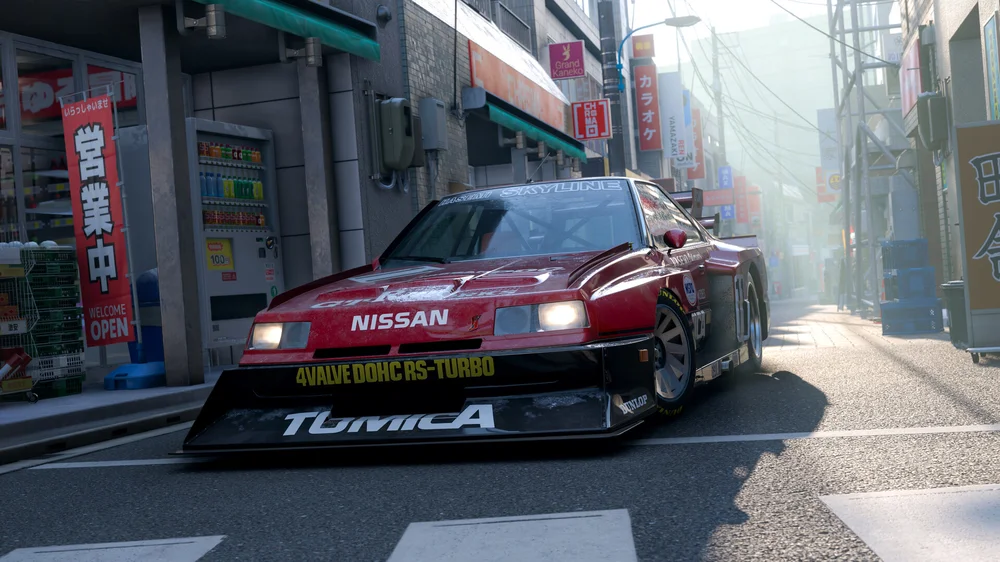
A good baseline
Due to the range of vehicles and surfaces in Forza Horizon 6, the default settings are conservative, ensuring a stable experience for every scenario and are already a good balance for general use, when combined with suitable Tuning Menu settings.
The settings below contain only small changes to the in-game settings, which are slightly different between the PC and Xbox versions. These should provide a solid starting point for most driving situations, and can be adjusted further depending on your personal preference, or if you want to prioritize feeling on high-speed road racing compared to loose surfaces or for drifting.
PC version
All Wheel Bases:
In-Game
- Difficulty -> Steering -> Simulation
Advanced Controls – all default settings, except:
- Invert Force Feedback: Off
- Wheel Damper Scale: 0.2
Tuning Menu
Podium DD1 / DD2
- SEN AUTO
- FFB 60
- FFS PEAK
- NDP 30
- NFR 0
- NIN 0
- INT 2
- FEI 100
- FOR 100
- SPR 100
- DPR 100
CSL DD / GT DD Pro
- SEN AUTO
- FFB 100
- FFS PEAK
- NDP 20
- NFR 0
- NIN 0
- INT 3
- FEI 100
- FOR 100
- SPR 100
- DPR 100
ClubSport DD / ClubSport DD+
- SEN AUTO
- FFB 70
- FUL 50
- NDP 20
- NFR 0
- NIN 0
- INT 3
- FEI 100
- FOR 100
- SPR 100
- DPR 100
Podium DD (2026)
- SEN AUTO
- FFB 60
- FUL 50
- NDP 20
- NFR 0
- NIN 0
- INT 3
- FEI 100
- FOR 100
- SPR 100
Xbox version
All Wheel Bases:
In-Game
- Difficulty -> Steering -> Simulation
Advanced Controls – all default settings, except:
- Invert Force Feedback: Off
- Force Feedback Scale: 1.5
- Wheel Damper Scale: 0.2
- Steering Rotation: 1440
Tuning Menu
Podium DD1 / DD2
- SEN 1440
- FFB 60
- FFS PEAK
- NDP 30
- NFR 0
- NIN 0
- INT 2
- FEI 100
- FOR 100
- SPR 100
- DPR 100
CSL DD / GT DD Pro
- SEN 1440
- FFB 100
- FFS PEAK
- NDP 20
- NFR 0
- NIN 0
- INT 3
- FEI 100
- FOR 100
- SPR 100
- DPR 100
ClubSport DD / ClubSport DD+
- SEN 1440
- FFB 70
- FUL 50
- NDP 20
- NFR 0
- NIN 0
- INT 3
- FEI 100
- FOR 100
- SPR 100
- DPR 100
Podium DD (2026)
- SEN 1440
- FFB 60
- FUL 50
- NDP 20
- NFR 0
- NIN 0
- INT 3
- FEI 100
- FOR 100
- SPR 100
РЕГИСТРАЦИЯ ПРОДУКЦИИ