Achieving the perfect force feedback (FFB) setup is essential for a realistic and enjoyable experience in Assetto Corsa Rally. While every driver has different preferences and direct drive base characteristics vary between models, the following recommendations should act as a suitable starting point for most Fanatec hardware. These settings emphasize road detail, weight transfer, and surface texture, while avoiding overly dampened steering feel.
Please keep in mind that such settings need to be adjusted to your own preference, be sure to test them and adjust as needed.
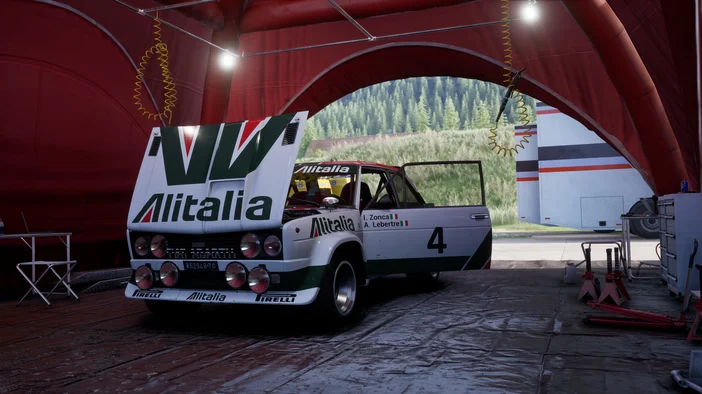
Fanatec Recommended Settings
For most modern Fanatec direct drive bases, the best starting point is to allow the base to deliver its full capability while letting the game fine-tune the force intensity. Set your Sensitivity (SEN) to Auto so the wheel correctly adapts to each car’s steering rack. Keep FF (Force Feedback) and FOR (Force Effect Strength) at 100%, ensuring that the full dynamic range of forces reaches the wheel.
For bases with the FFS setting, Peak is recommended. Light but noticeable natural damping (NDP ~15%) and natural friction (NFR ~5%) give the wheel a stable center without muting road detail. Keep Natural Inertia (NIN) off to avoid sluggishness, and use an Interpolation Filter (INT) of 2 to smooth out rough edges without sacrificing fidelity.
Fanatec Wheel Base / Tuning Menu Settings
- Sensitivity (SEN): Auto
- FF (max Force Feedback): 100% (or full, in your base tuning menu)
- FFS (Force Feedback Scaling): Peak / “PEA” if your base supports it.
- Natural Damper (NDP): ~15%
- Natural Friction (NFR): ~5%
- Natural Inertia (NIN): OFF for more direct feel.
- Interpolation Filter (INT): 2 is a good value to start.
- Force Effect Intensity (FEI): 100%
- Force Effect Strength (FOR): 100%
- Spring (SPR) & Damper (DPR) Effects Strength: Both at 100%
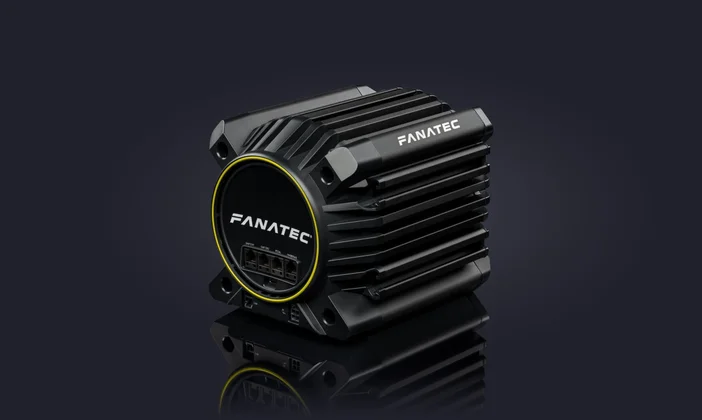
In-Game (Assetto Corsa Rally) Settings
The in-game FFB settings, you can tune these:
- Gain: 100
- Minimum Force: 0
- Damper: 0
- Steering Lock: 900

Things to Watch / Tune After Baseline
- Too Strong: If it’s too jerky or your arms tire, reduce the in-game gain.
- Lack of detail: Raise in-game gain carefully, or reduce damping/inertia. Running INT as low as possible maintains the most detail.
- Per-Car Tweaks: Some cars in rally / AC might need slight tweaks — content manager or in-game profiles help.
- Firmware / Driver: Make sure your Fanatec base firmware is up-to-date, and you’re using the right driver, to avoid weird behavior.
PRODUCTS IN ARTICLE