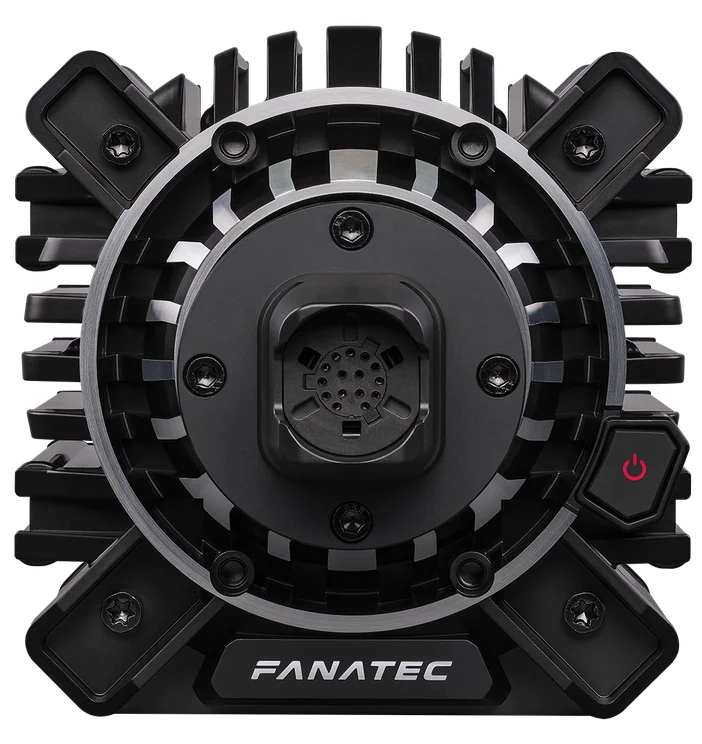
The Podium DD is Fanatec’s most sophisticated wheel base to-date. Delivering the widest dynamic range ever in a Fanatec wheel base and a true 25 Nm of holding torque, the Podium DD is perfectly suited for all racing disciplines and steering wheels.
Features
- 25 Nm holding torque (33 Nm peak overshoot)
- Consistent performance under the most extreme conditions
- Aluminum internals for strength and precision
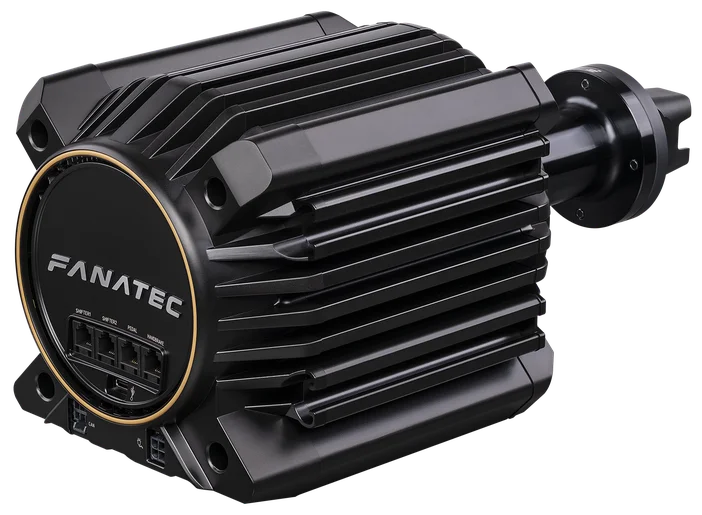
- Full metal casing for strength and heat dissipation
- Diecast aluminum front and rear casing with diamond cut accents
- T-nut rail system on sides and bottom for easily adjustable hard-mounting
- FullForce technology
- 10 cm Shaft Extension included
- High-resolution (contactless) Hall-position-sensor

Compatibilty
The Podium DD is fully compatible with PC. It is also compatible with Xbox consoles when used with a steering wheel designed for Xbox.
The entire Fanatec ecosystem can be used with this Base* (see Compatibility section for details).
*Note: A few steering wheels will not be able to operate the wheel base at its full torque level. Check the specific product descriptions on Fanatec.com
Setup
Assembly
- Begin by securely mounting the Podium DD to your cockpit, like the ClubSport GT Cockpit, or desk. Fanatec offers a range of mounts, including the ClubSport DD Table Clamp, to ensure a stable and sturdy setup.
- Attach your steering wheel to the wheel base using the Quick Release system. This system ensures that the wheel is easily removable but stays securely in place during use.
- Connect any other Fanatec hardware like pedals, shifter, or handbrake.
- Optionally, attach the included shaft extension.
Updates
- Download and install the Fanatec App.
- Once the software is installed, connect the Podium DD to your PC and run the setup tool to ensure that the wheel base is recognized in Windows and ready to go.
- When playing on Xbox, the Fanatec App is not required.
- Regardless of whether you play on PC or Xbox, we recommend updating the firmware of your wheel base to the latest version for the most up to date user experience.
Calibration
- Use the Fanatec App to calibrate the wheel base to set the steering sensitivity and ensure it is aligned correctly with the steering wheel.
- Additionally, set the force feedback strength according to your preferences. Adjust additional parameters such as natural friction, inertia, or damping to find the ideal balance between realism and comfort.
- If you do not have access to a Windows PC, all important parameters can also directly be set via your steering wheel in the Tuning Menu (if the wheel has a built-in display).
PRODUCTS IN ARTICLE